SignsDirect.com.au
Home Appliances Tv Smart TV 21.5 Portable Mobile Touch Screen Android 12 OS Floor Stand Display Battery for Home Learning
Home Appliances Tv Smart TV 21.5 Portable Mobile Touch Screen Android 12 OS Floor Stand Display Battery for Home Learning
Couldn't load pickup availability
SPECIFICATIONS
Brand Name: NoEnName_Null
Hign-concerned Chemical: None
Type: Hand Tool Parts
Origin: Mainland China
Warranty(Year): 1-Year
Color: Black
Package: Yes
Series: For Home & Student
Aspect Ratio: 16:9
Products Status: New
Interface Type: usb
Brand Name: ITATOUCH
Place of Origin: Guangdong, China
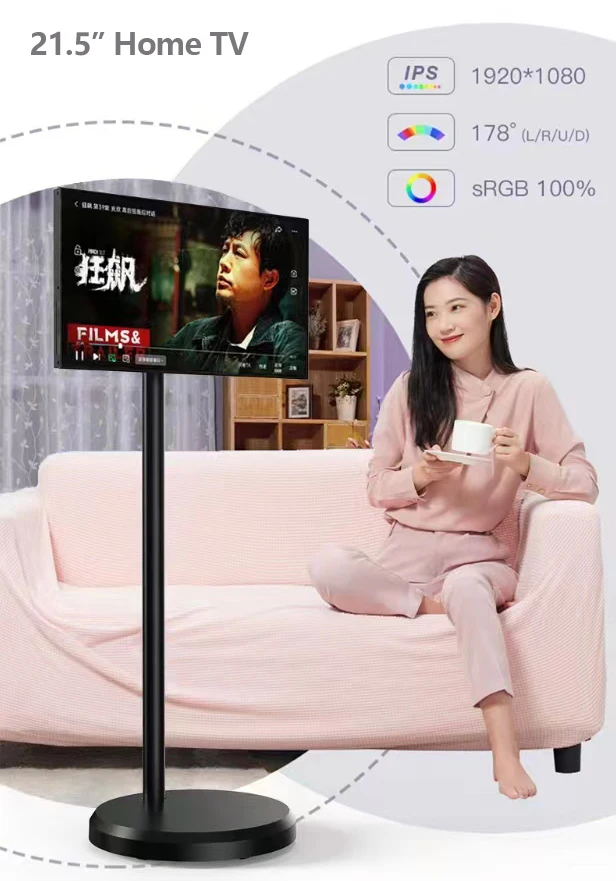
Product Name: 21.5 inches touch screen TV
Touch type: Capacitive Multi Touch Panel
Size: 21.5" IPS Screen
Resoluton: 1920 x 1080
Android OS: Android 12.0 OS
Memory: 4GB
Storage: 64gb
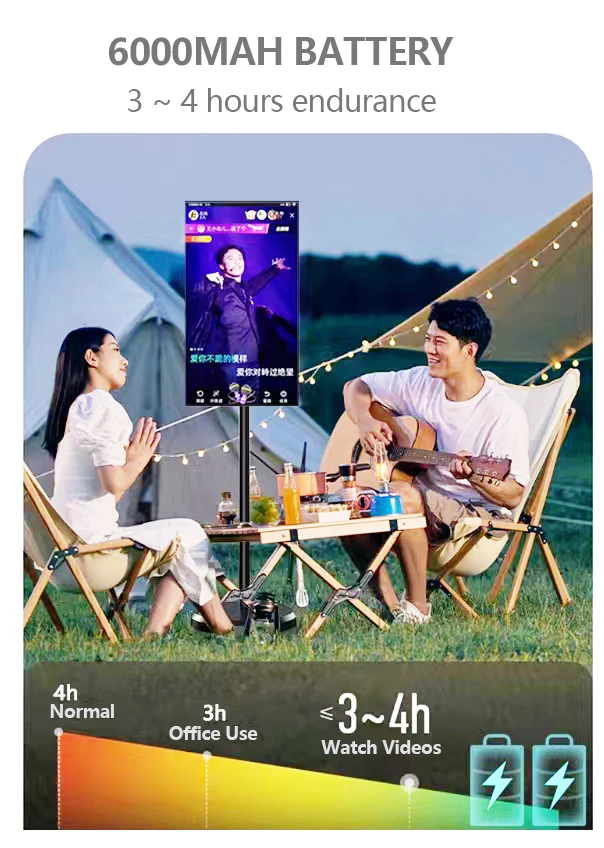
Battery: 6000MHA Lithium battery.
Certification: CE ROHS
Smart TV 21.5 Portable Mobile Touch Screen Android 12 OS Floor Stand Display Battery for Home Learning
GET DIRECT FACTORY PRICE >>
Portable Home TV with Lithium battery 4-Hours Player 21.5inches Android Capacitive Touch Screen Monitor Display
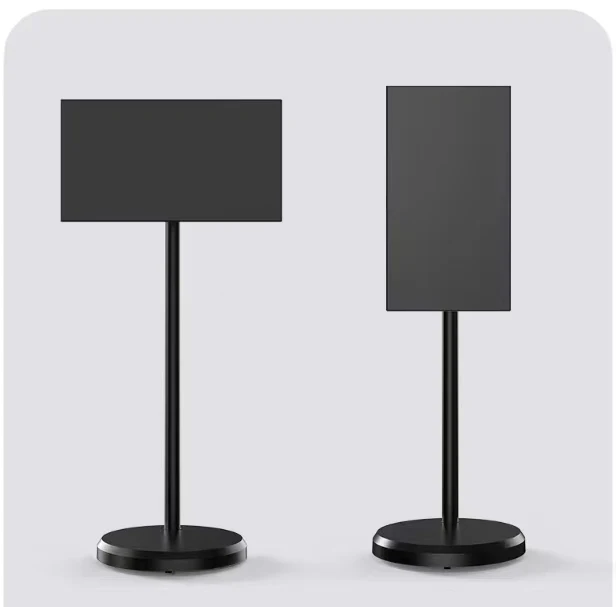
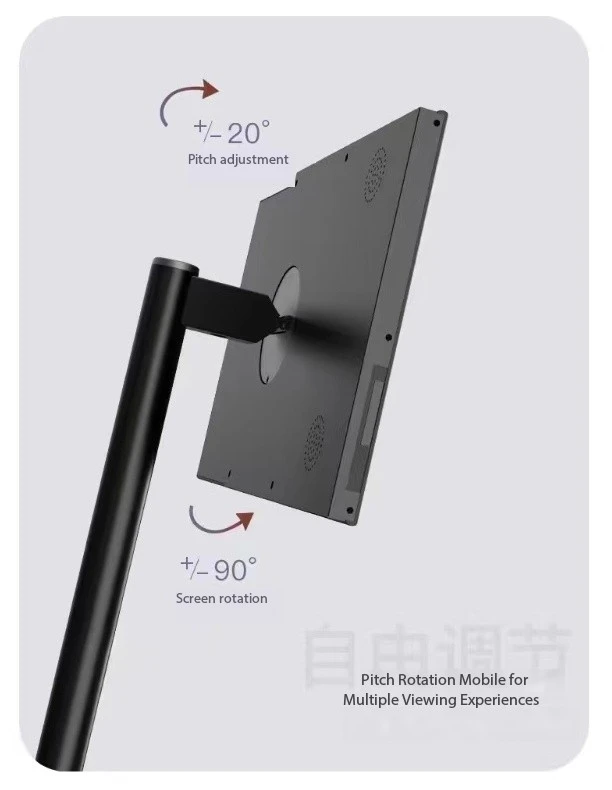
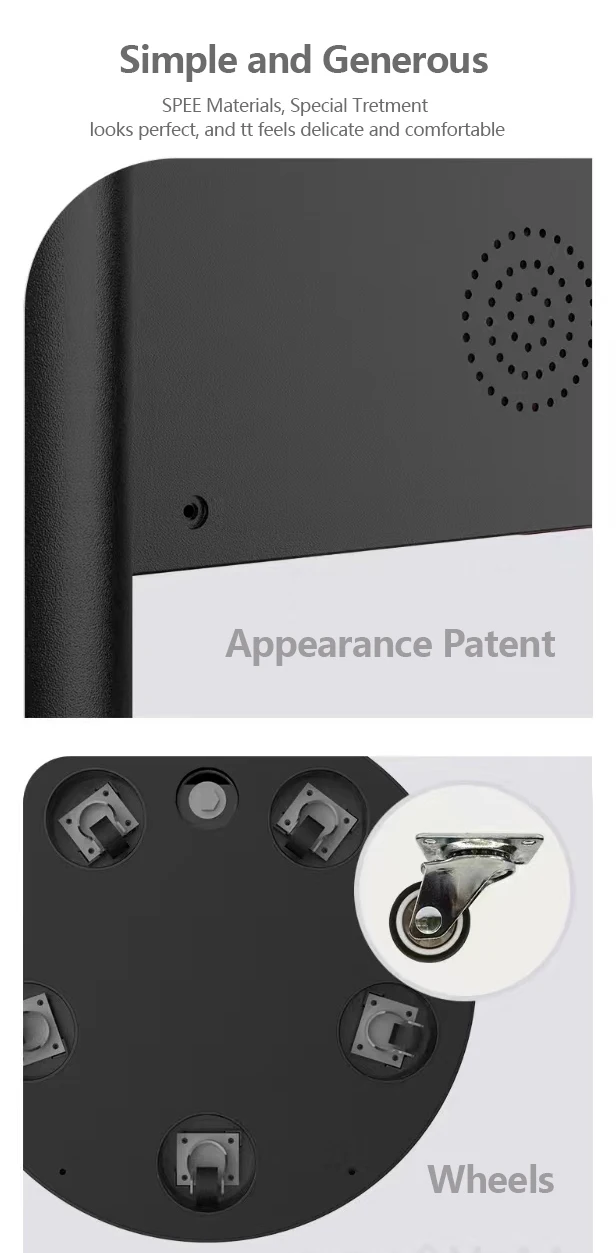
General Features of Itatouch Android Game TV Display
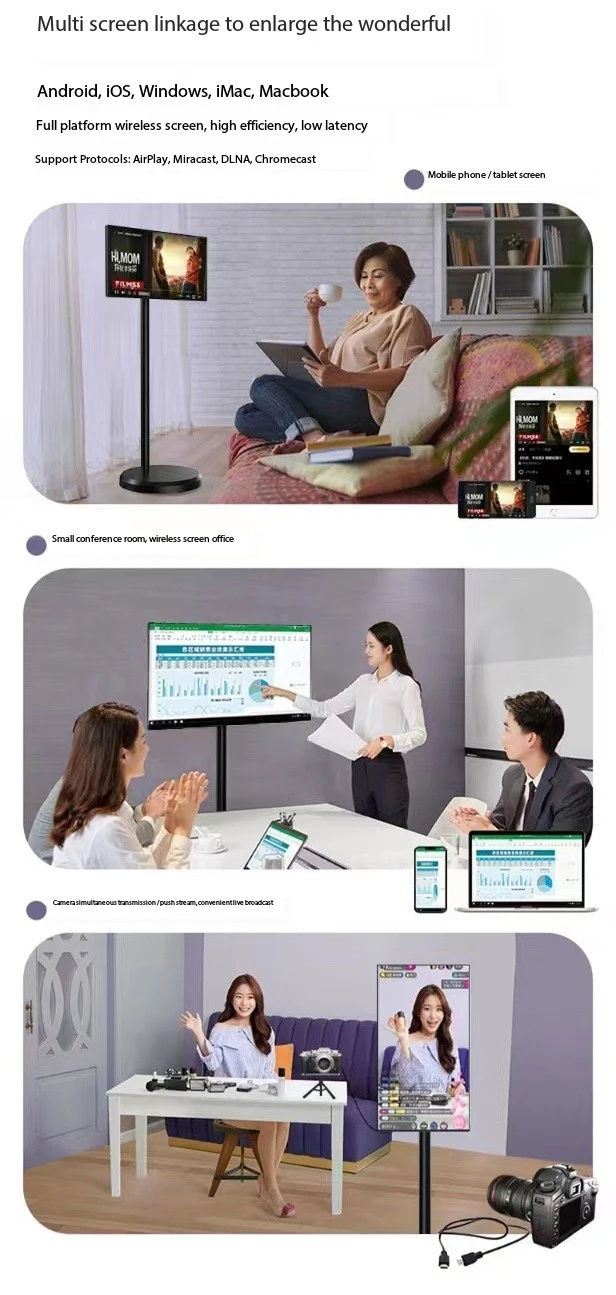
Specification
| Screen Panel | Size | 21.5 inch |
| Panel | LCD LED backlight, BOE IPS Screen | |
| Ratio | 16:09 | |
| Display area (HxV) | 476.64 mm x 268.11 mm | |
| Native resolution | 1920 x 1080, 60HZ | |
| Pixel pitch (HxV) | 0.24825 x 0.24825 mm | |
| Brightness | 250cd/m2 | |
| Contrast ratio | 1200:1 | |
| Response time | 5ms | |
| Viewing | 178°(H) /178° (V) | |
| Colorful | 16.7M | |
| Speaker | Speaker | Built-in 2*5W |
| Touch Screen | Touch Technology | Capacitive 10-touch points, finger touch |
| Android OS | Android OS | 8-core flagship CPU, Android 12 OS |
| Memory | 4GB DDR | |
| Storage | 64GB flash nandi | |
| LAN | 1xRJ45 10/100/1000M. Wireless Dual-Frequency WiFi | |
| Projection Screen | Support Android, IOS, Windows, MAC projection | |
| Interface | I/O | Full function TYPE-C , which can connect game device |
| Battery | battery capacity | 6000MHA Lithium battery; Maximum Charge Current: 7A |
| working time | support 3~4 hours playing for 21.5" | |
| Charge port | USB | |
| Product | Color | White /Deep Grey |
| TV Dimension | 501*277*8mm | |
| Stand Dimension | Bsee: 50*300mm; pillar: 36*1000mm. | |
| Weight | TBA | |
| Accessiories | Power Cable | |
| Quality | Compliance | CE, ROHS, ISO |
OEM | ODM INQUIRY>>
Factory Price 24 inch Frameless FHD PC Monitor 23.8 Desktop Gaming Computer Monitor

FAQs
Q1. How to install the driver? How to know the driver was installed well?
1. Please close off the antivirus software/firewall before installation.
2. Connect with your computer via VGA/DVI/HDMI-compatible (per the interface of the unit to collect the cable), USB cable ( the data
transfer cable ) and Power cable.
3. Put the CD into the CD / DVD driver of your computer, double click CD driver – click " setup.exe" .
Remark: If MAC OS, please click the file in " mpkg" to install it.
After the installation driver, please restart your computer, you will see the small icon on the " task bar" of the right bottom,
means the installation is completed.
Q2. When starting the computer, there is no stylus cursor, how to settle it?
1. Please check if there is the power of the charger pen, if no, please charger.
2. Please check if the USB cable is connecting well, the pilot light of the unit is flicking. If no, unplug/plug again.
3. Please completely uninstall the driver ( any packages need to be deleted), then re-boot your computer, install the driver
again. (refer to the Q1)
4. The stylus still could not work well even if the computer do not install the driver, please test the unit with another
computer. If no, then it means there is the hardware problem of this unit.
Q3. How to set the pen pressure?
Click the small icon on the right bottom of the " task bar", it will display a "pressure" window, then you can set it.
Note: please ensure the application software support the pen pressure.
Q4. How to set the pen and eraser mode?
Find [Tablet PC Set], choose the button 1 or 2., set the default to pen/eraser, click "Apply" .
Q5. How to manage it well when the touch sensor is not accurate, or no touch sensor ?
Please try to calibrate it by the computer OS, such as WIN 7 OS , select[Control Panel] - [Hardware & Sound ] - [Tablet PC Set] -
[Touch Calibration] set it per the OS instruction.
Q6. How can I get the updated software?
Please download the driver from our website: itatouch.com, 1. Unzip the file in a folder just you downloaded. 2. Double-click the
"Setup.exe" . (please refer to Q1)

About
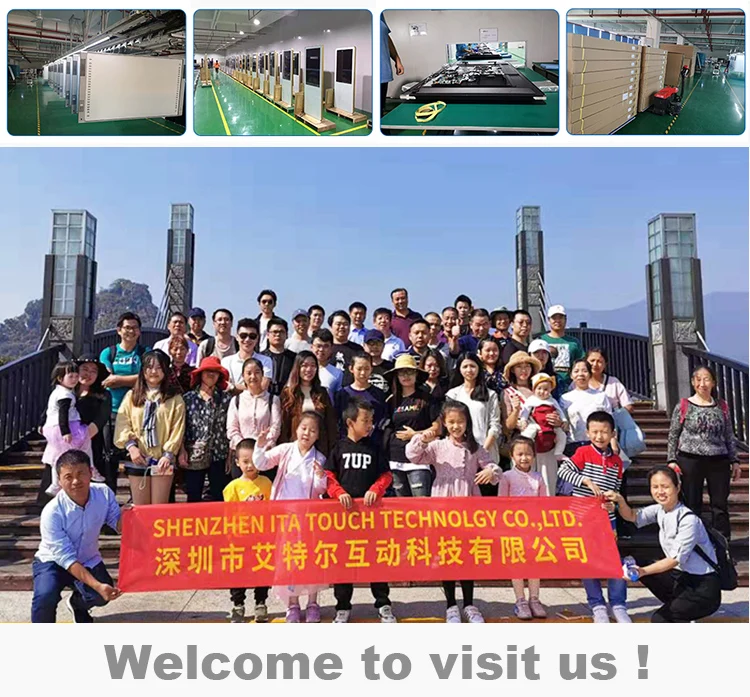
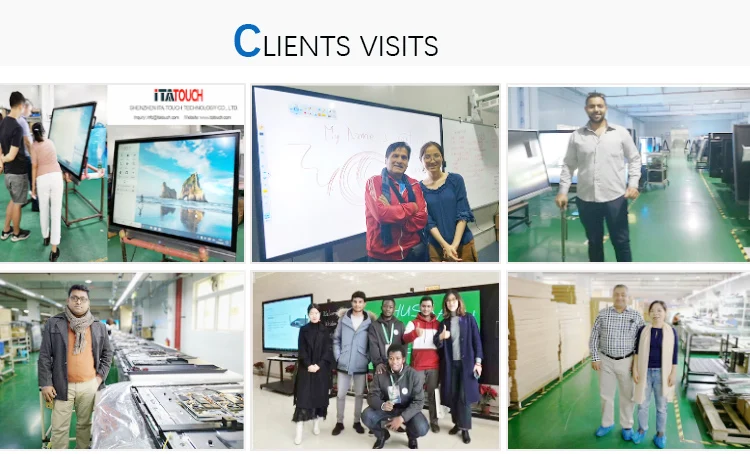
ITATOUCH focuses on the high-tech interactive products & development of Interactive Touch Screen, Whiteboards, Holographic Fan, Digital Signage, Tablet Monitor .. etc. By establishing a scientific management system for production, sales, technical support, and services.
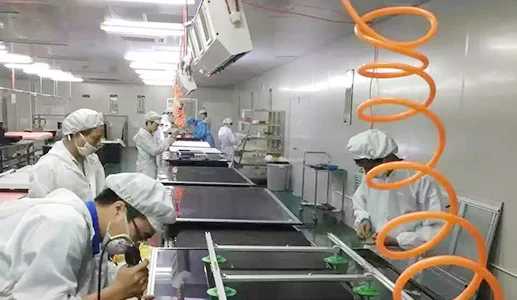
ITATOUCH Factory products have been granted with CE, LVD, EMC, BIS FCC, ROHS, ISO14000, ISO9001 certificates and HIGHLY APPRECIATED by clients from more than 30 countries & areas